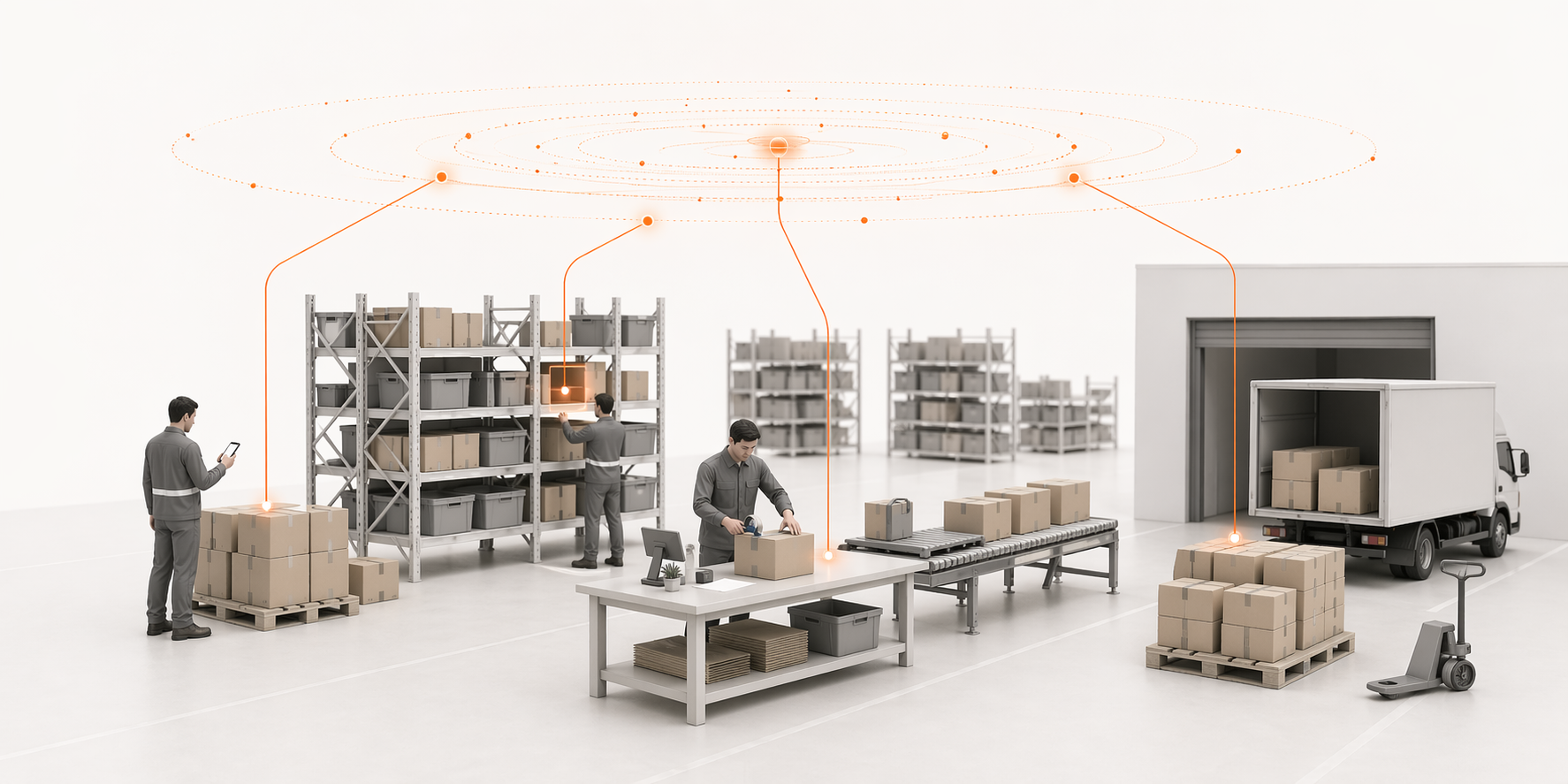
Most fulfillment problems do not happen because the warehouse team is slow.
They happen because the wrong orders reach the warehouse floor too early.
An order has missing stock. Another has an address issue. Another needs customer confirmation. Another is close to carrier cutoff, but nobody sees it until the day is already behind.
If every Shopify order goes straight into picking, the warehouse becomes the place where every unresolved problem shows up.
A better Shopify order fulfillment workflow separates blocked orders from ready orders before the picker starts walking.
What a Shopify order fulfillment workflow should do
A Shopify order fulfillment workflow should answer one simple question before work starts:
Is this order ready for the warehouse team?
If the answer is yes, the order can move into the ready orders pool.
If the answer is no, it should be held, resolved, and only released once it is safe to pick.
The workflow usually looks like this:
- Orders received
- Block check
- Orders pool
- Release in batches
- Pick zone
- Pack stations
- Shipping
- Customer
This keeps the warehouse focused on executable work instead of unresolved exceptions.
1. Orders received from Shopify
The workflow starts when orders arrive from Shopify.
At this point, Shopify knows:
- customer details
- ordered products
- payment status
- fulfillment status
- shipping method
- inventory location data
But that does not mean the order is ready to pick.
A Shopify order may look valid in the admin while still being operationally unsafe to release. The warehouse needs one more step before work starts.
2. Block check: find problems before picking starts
The block check is the control point between Shopify and the warehouse floor.
It asks whether the order needs action first.
The three most useful block categories are:
- inventory
- customer
- operational
This language is simple enough for a small warehouse team, but still covers most real fulfillment problems.
Inventory blocks
An inventory block means the order cannot be picked cleanly because the stock situation is uncertain.
Examples include:
- item out of stock
- Shopify says stock exists but the shelf does not
- product is in the wrong location
- item is damaged
- item is waiting to be received or restocked
- stock is reserved for another priority order
If inventory blocks are not caught early, pickers waste time searching for items that are not actually available.
Customer blocks
A customer block means the team needs information or confirmation before shipping.
Examples include:
- invalid address
- missing phone number
- suspicious order details
- customer requested a change
- payment or fraud review still unresolved
- shipping method mismatch
These orders should not be sent into the pick path until the issue is cleared.
Operational blocks
An operational block means the order is valid, but the warehouse cannot process it normally yet.
Examples include:
- carrier service unavailable
- order requires special packaging
- order needs split shipment
- order has a priority conflict
- order is too close to cutoff without enough time
- the team needs supervisor approval
Operational blocks protect the warehouse from doing work that later has to be undone.
3. Blocked orders should not disappear
A blocked order is not a failed order. It is an order that needs a next action.
The mistake many small teams make is letting blocked orders live in someone's memory, inbox, or Slack thread.
That creates silent backlog.
A good fulfillment workflow keeps blocked orders visible until they are resolved. Once the issue is cleared, the order can move back into the ready orders pool.
No blocked order should reach a picker by accident.
4. Orders pool: ready work waiting for release
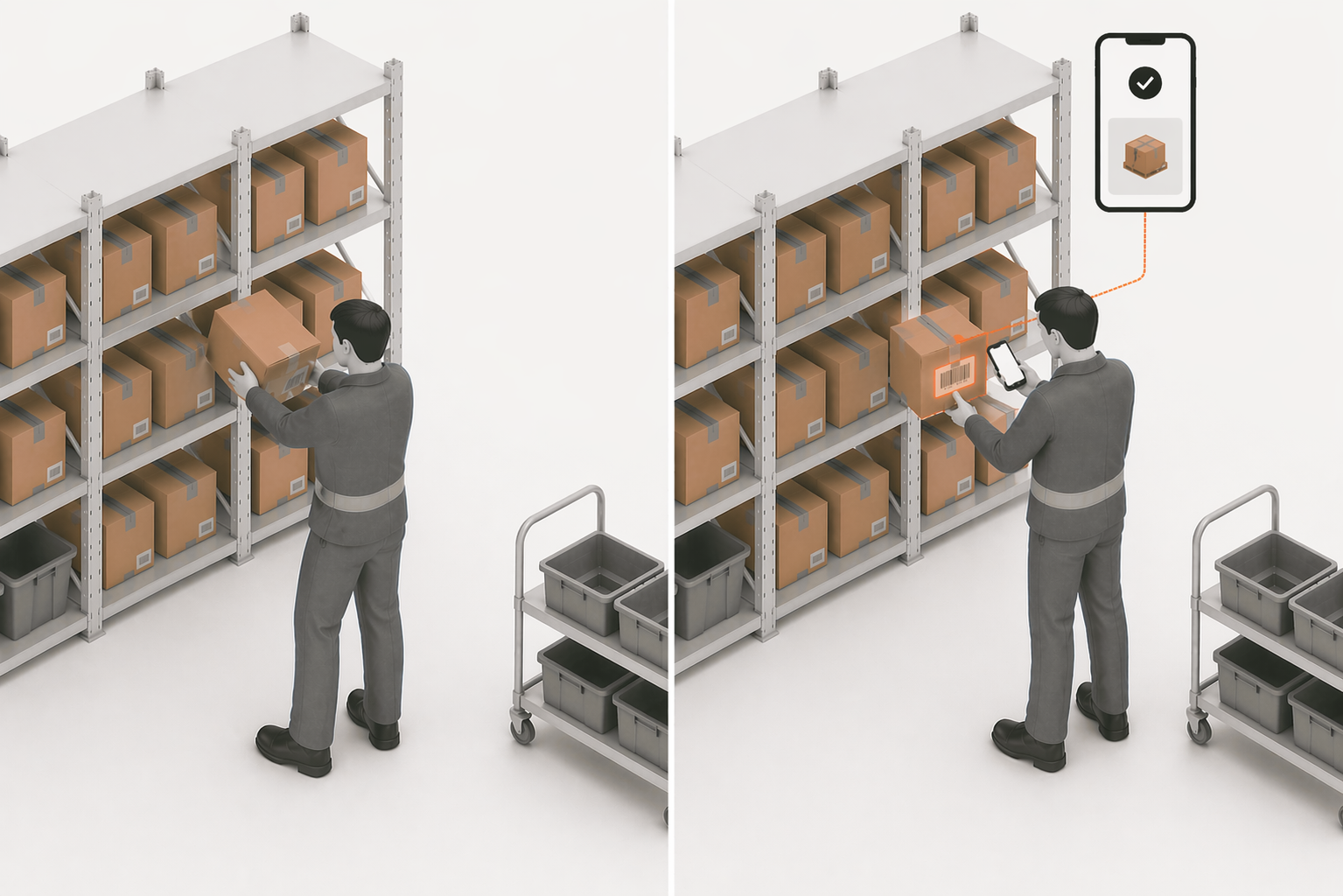
The orders pool is not a problem area. It is the queue of orders that are ready for warehouse work.
An order should enter the pool only when:
- inventory is available
- customer issues are clear
- operational constraints are resolved
- the order can be picked, packed, and shipped
This creates a cleaner starting point for the team.
Instead of asking "What should we pick next?" the operation can ask:
Which ready orders should we release now?
5. Release in batches
Batch release is an action, not a warehouse location.
It means the team chooses a group of ready orders and sends them into the pick workflow together.
This helps small warehouse teams:
- reduce walking
- group similar orders
- protect carrier cutoff
- avoid mixing blocked orders into pick work
- keep the day moving in controlled waves
Batch release does not need to be complicated. Even a small team can release orders by priority, shipping method, location, or cutoff time.
6. Pick zone: operators execute ready orders
Once orders are released, they move to picking.
At this stage, the picker should not be solving customer problems or guessing whether inventory exists. That should already be handled.
The picker needs clear instructions:
- which order or batch to pick
- which SKU and variant to collect
- where to go
- how many units to pick
- how to confirm the item is correct
The more problems you remove before picking, the faster and more accurate the picker becomes.
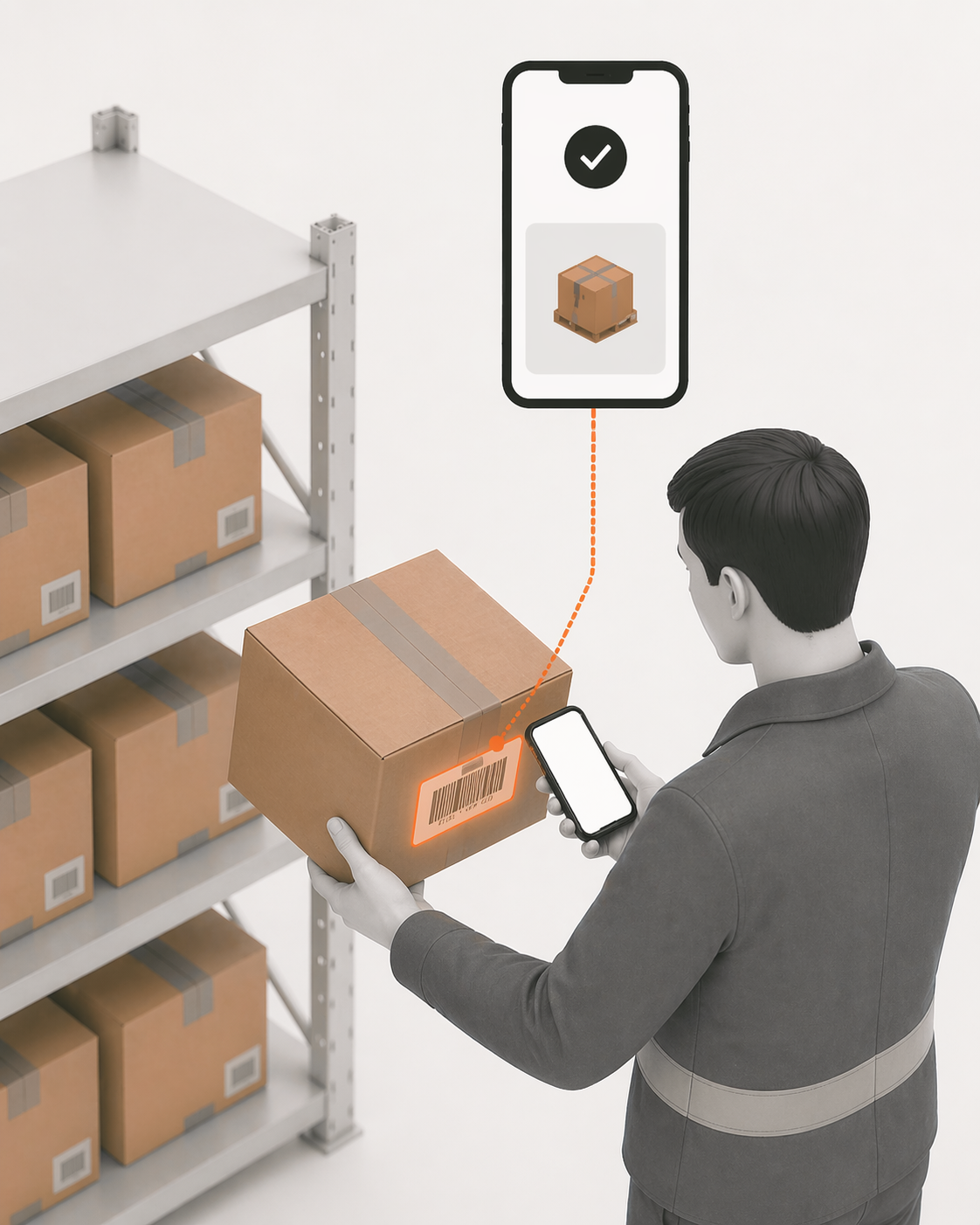
7. Pack stations: final verification before shipping
Packing is the final internal quality gate.
The packer should confirm:
- correct order
- correct item
- correct quantity
- correct shipping label
- correct packaging
- no unresolved block remains
A good pack station catches mistakes before the customer does.
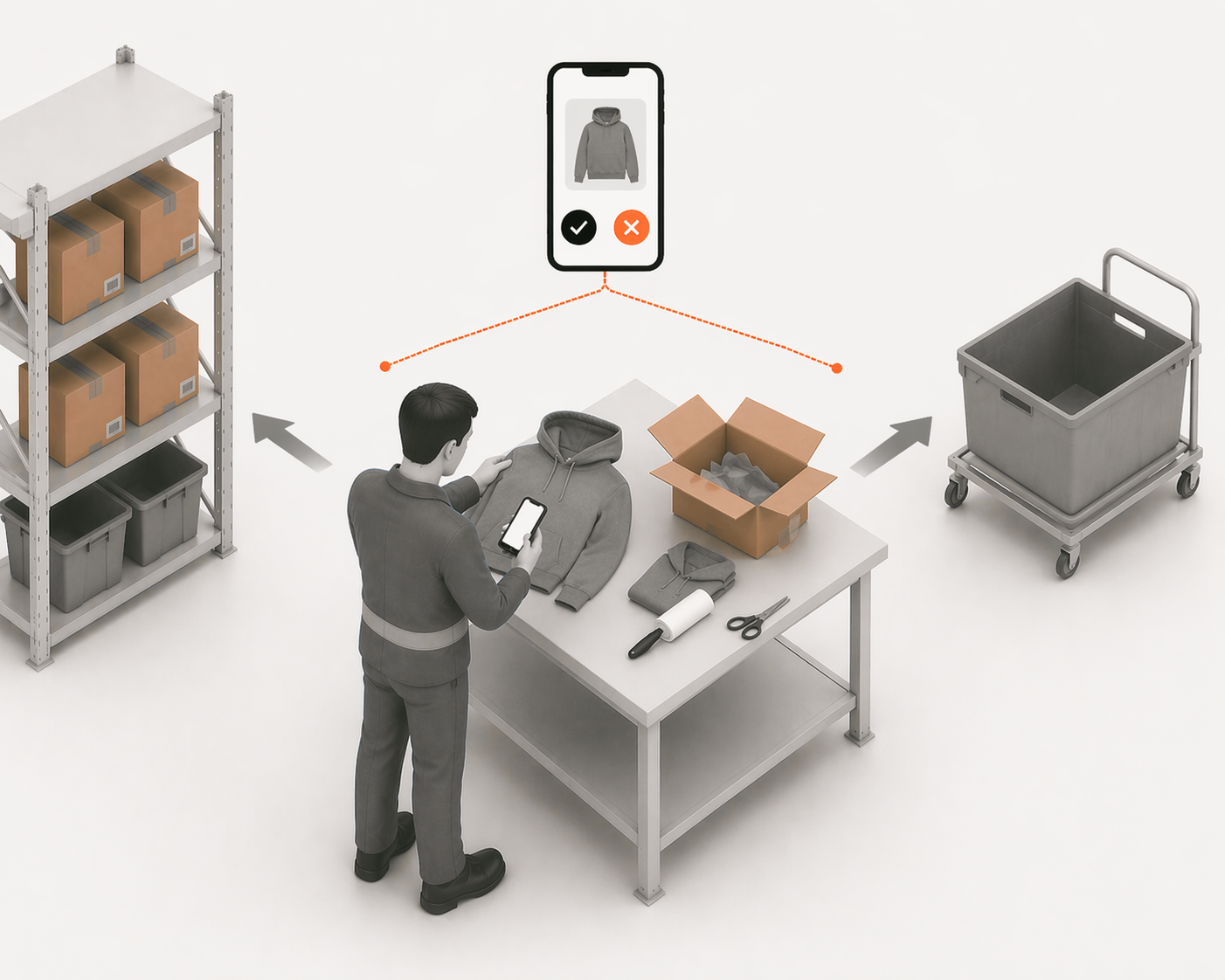
This matters because a wrong shipment is more expensive than a paused order. A paused order can be fixed internally. A wrong shipment creates returns, support tickets, replacement costs, and trust damage.
8. Shipping: protect carrier cutoff
The final step is shipping before carrier cutoff.
For small Shopify warehouses, carrier cutoff is often the real daily deadline. Missing it can turn an otherwise successful order into a late delivery.
Your workflow should make cutoff risk visible before the end of the day.
The team should know:
- which orders are packed
- which orders are waiting
- which carrier each order belongs to
- which orders are close to cutoff
- which orders are blocked from shipping
The goal is not just to ship orders. The goal is to ship the right orders on time.
Why this workflow reduces warehouse chaos
A clean order fulfillment workflow protects the team from three common problems.
First, it stops blocked orders from becoming picker problems.
Second, it gives the team a clear ready-orders pool instead of a messy order list.
Third, it lets managers release work in controlled batches instead of reacting to every order as it arrives.
That is the difference between Shopify order tracking and warehouse execution.
Shopify can show that an order exists. Your fulfillment workflow decides whether that order is ready to move.
How LaSyncro thinks about order fulfillment
LaSyncro is designed around the idea that the warehouse should only receive executable work.
That means orders should be checked before picking, exceptions should be visible, and operators should not have to solve hidden business problems while walking the warehouse floor.
The system should make the next step obvious:
- Blocked orders need action
- Ready orders can be released
- Released orders can be picked
- Picked orders can be packed
- Packed orders can be shipped
That is how small teams stay fast without losing control. If you are still deciding whether a dedicated system is worth it, the best WMS for Shopify small business comparison breaks down the options by scale.
Final takeaway
A Shopify order fulfillment workflow is not just a list of order statuses.
It is the operating path that decides whether an order is ready, when it should be released, who should pick it, how it should be packed, and whether it will leave before carrier cutoff.
When blocked orders stay out of the pick path, the warehouse gets calmer.
When ready orders are released in batches, the team gets faster.
When packing and shipping are tied to verification and cutoff time, customers get what they ordered — on time.
Join the LaSyncro early access list
Start free