You have at least two numbers for the same product — Shopify's count and your warehouse system's count — and a third one nobody has checked recently: what is actually on the shelf. When they disagree, every downstream decision is wrong. Reorders trigger too early or too late, orders route to locations that cannot fulfill them, and sooner or later a customer buys a unit that does not exist.
This guide is the diagnostic. It covers how to find out which number is lying, the five root causes that create the gap, the reconciliation procedure that actually closes it, and — the part most guides skip — why reconciliation alone never keeps it closed.
The Three-Sources-of-Truth Problem
Every merchant running their own warehouse or a 3PL operates three counts whether they acknowledge it or not:
- Shopify's count — moved by sales, refund restocks, manual adjustments, and whatever apps are connected.
- The warehouse system's count — your WMS, 3PL portal, or ERP; moved by receives, picks, transfers, and adjustments made on that side.
- The shelf — moved by physical reality: everything above, plus the events nobody recorded.
A mismatch is never "Shopify is wrong." It is a disagreement between three ledgers, and the fix depends entirely on which pair diverged. That is why the diagnostic starts with a physical count — the shelf is the only one of the three that cannot be wrong about itself.

The 30-Minute Diagnostic
Before touching any settings, establish the facts:
The classification in step four is the whole diagnosis. Systems agree, shelf differs means the gap was born on the floor — something moved without a scan. Systems disagree with each other means the gap was born in the pipeline between them — sync timing, lost updates, or one-sided adjustments.
The Five Root Causes, Ranked
1.Unrecorded physical movements
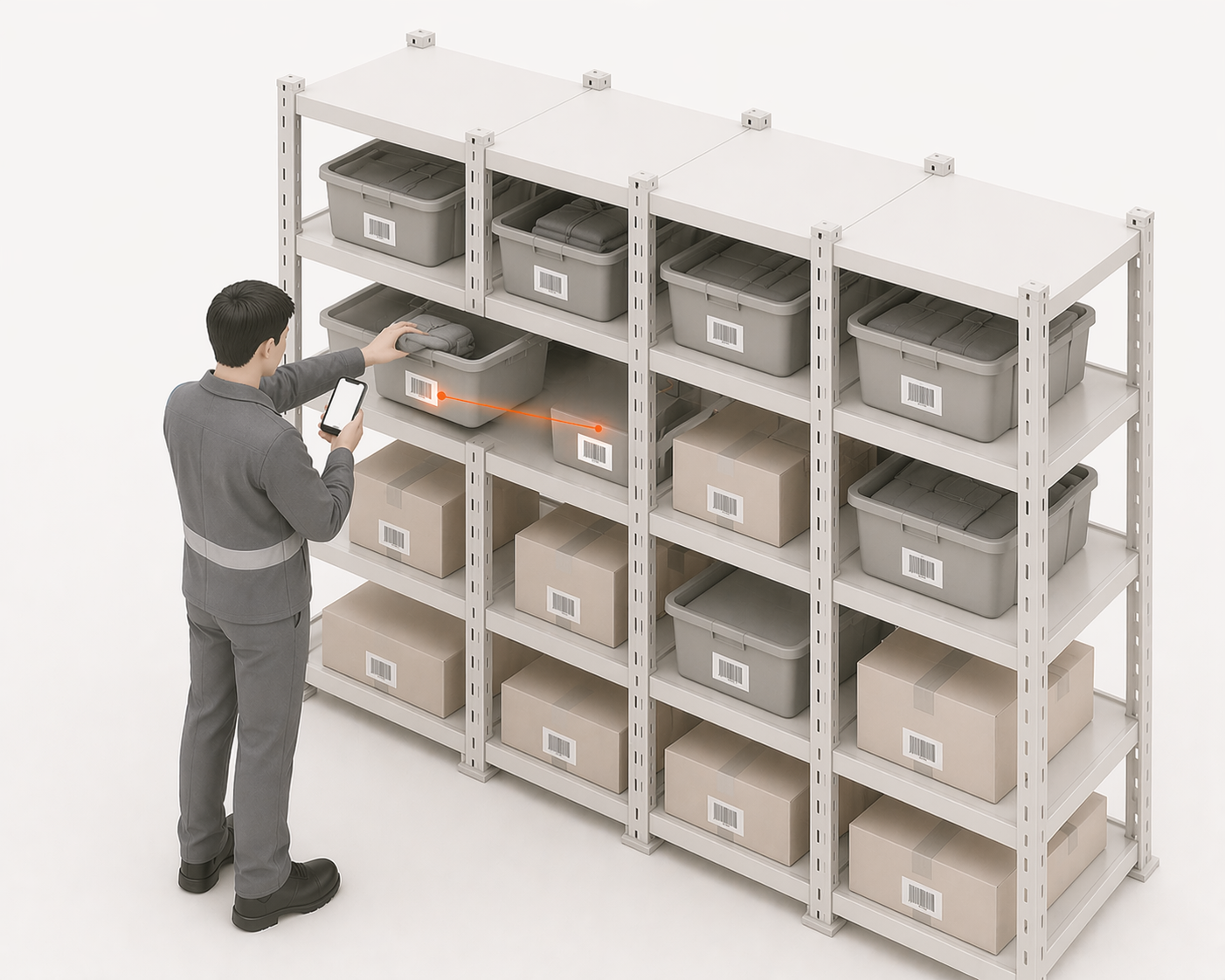
The largest source by far. Returns stowed without a restock entry, picks pulled from the wrong bin, damaged units binned without an adjustment, samples taken for photography. Each event moves the shelf and nothing else. Individually invisible; compounding weekly. This is the mechanism behind inventory drift — and no sync architecture can fix it, because the missing event was never in any system to sync.
2.Sync timing and lost updates
Batch sync on a schedule means every interval between runs is a window where the systems legitimately disagree — and where a sale on one side can oversell stock the other side already committed. Webhook-based sync fails differently: a dropped or out-of-order update silently freezes one side. If the mismatch pattern is "correct, then suddenly wrong by exactly one order's quantity," this is the suspect. The full failure taxonomy is in why Shopify inventory stops syncing.
3.Double-decrements and adjustment collisions
An app decrements on fulfillment, a staff member adjusts manually for the same event, and the unit is now subtracted twice. Or two systems both configured as writers: the WMS pushes its count while someone edits Shopify directly, and the next sync overwrites one truth with the other. The tell: discrepancies in clean multiples of real order quantities.
4.Location misassignment
Stock physically moved between locations without a Shopify transfer, catalogues never assigned to newly added locations, or fulfillment priority routing orders to a location whose count was aspirational. Aggregate totals can look correct while every individual location is wrong. If your mismatch only appears per-location, start here — and if products show "not stocked at this location", that is the same family of problem surfacing as an error message.
5.Untracked variants leaking through
Variants with tracking disabled hold no count anywhere, sell without limit, and reappear in reports as unexplained gaps when tracking is finally enabled. The upstream state is covered in the inventory not tracked guide — check for untracked variants before trusting any reconciliation, because they poison the totals.
Fixing the Count — and Fixing the Cause
Close the gap in that order, never just the first half:
Fix the count. Enter a dated, annotated adjustment in the designated source-of-truth system and let it propagate. Never "fix" both systems independently — that manufactures the next collision. Annotate the reason; an adjustment log full of unexplained corrections is a symptom in itself.
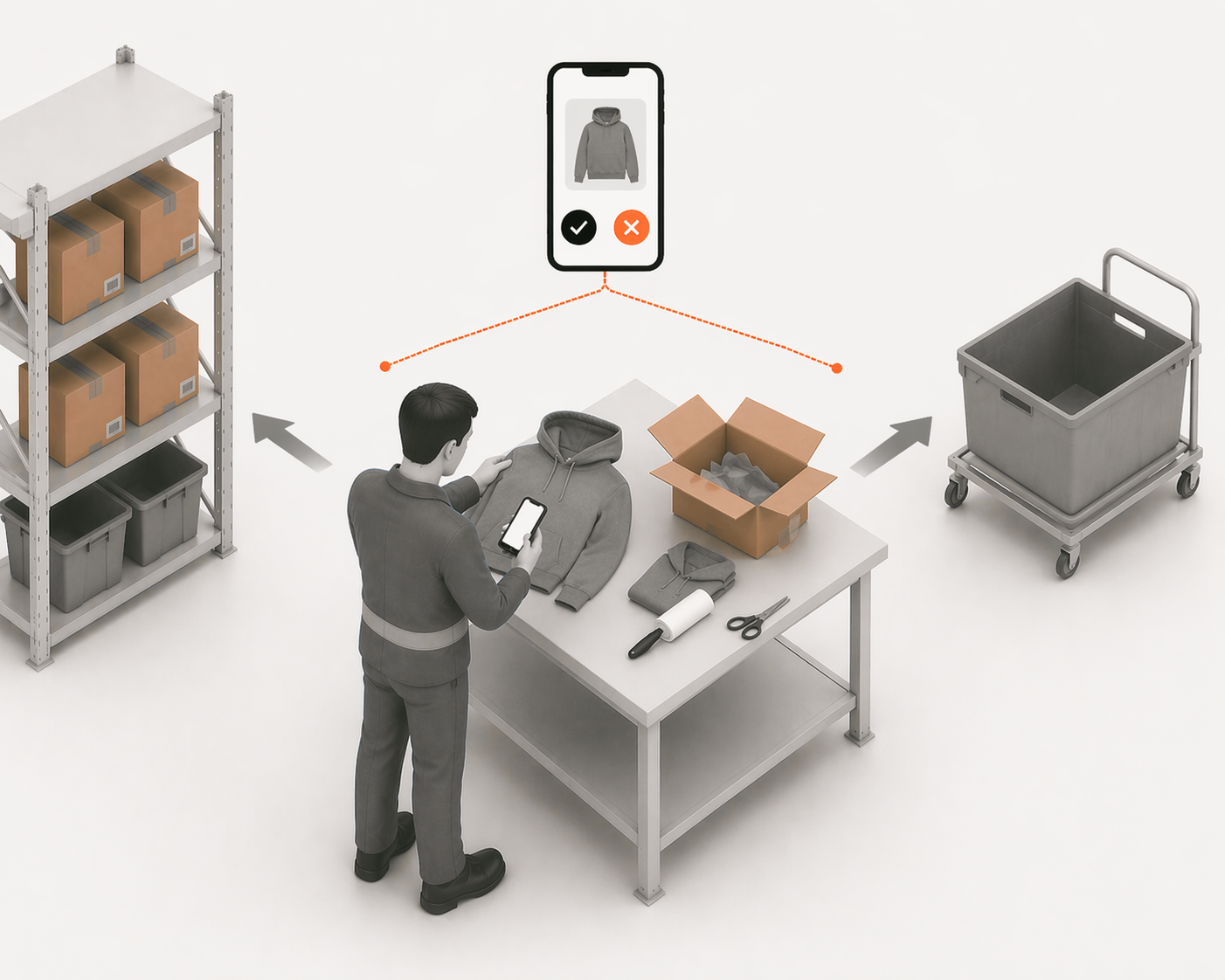
Fix the cause. Match the root cause you diagnosed to its process fix: unrecorded movements need scan-at-the-point-of-action discipline (returns restocked when processed, not at shift end — see restock versus receive); sync problems need one designated writer and event-based flow; collisions need one adjustment policy everyone follows; location problems need transfers recorded the moment stock moves.
Why Reconciliation Is a Treadmill
Here is the uncomfortable arithmetic: if unrecorded movements created the gap, counting more often does not stop them — it just measures the leak more frequently. Merchants who reconcile weekly are budgeting permanent labor to re-discover the same process failure.
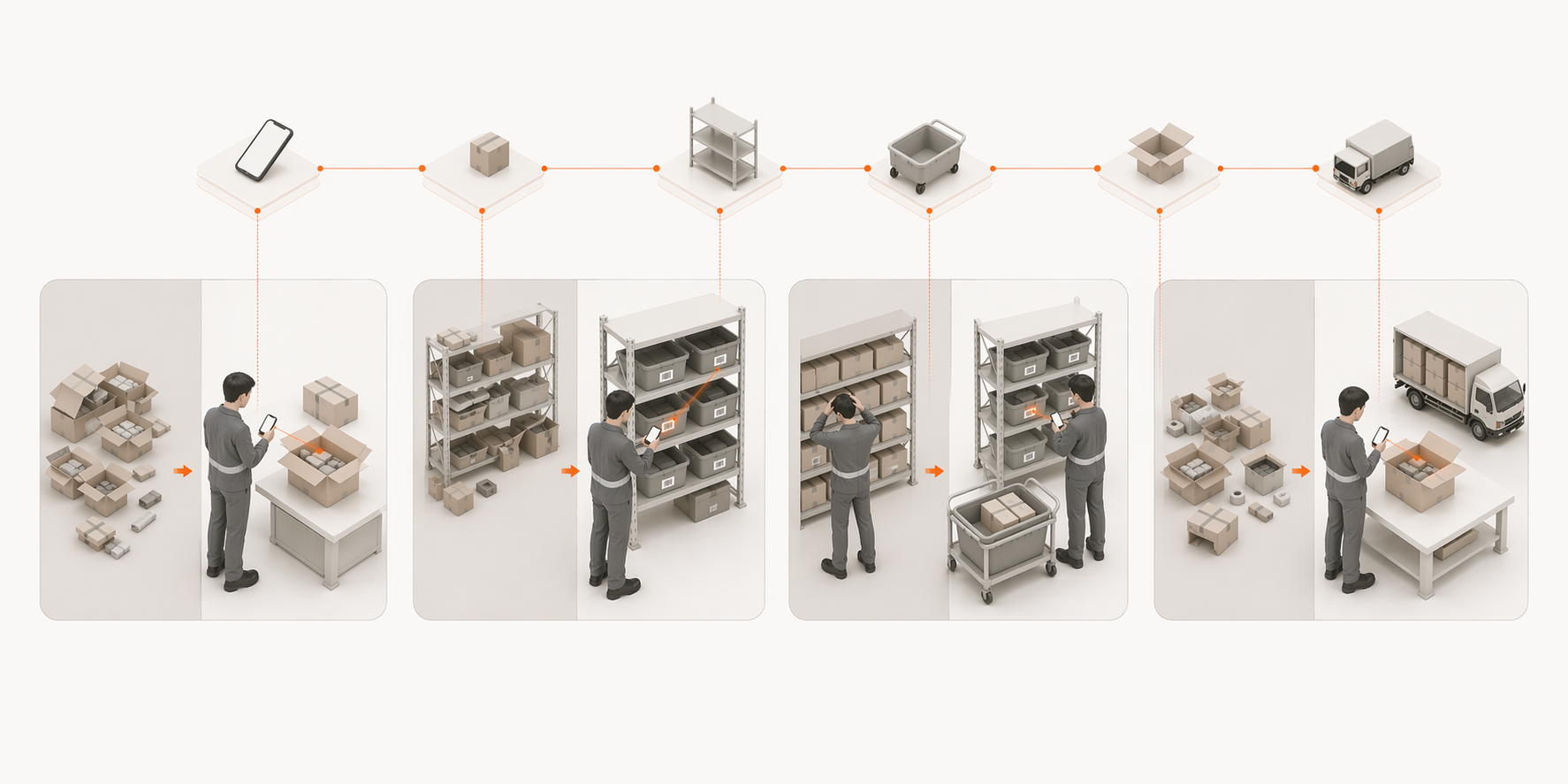
The durable fix is structural. A snapshot count is a number you have to trust; an event ledger is a history you can replay. When every receive, pick, stow, return, and adjustment exists as a recorded movement, "which number is right" stops being a question — the count is derived from the movements, discrepancies are traceable to the exact event that caused them, and reconciliation becomes an exception-handling task instead of a ritual. That movement-level layer is what a WMS adds on top of Shopify's native counts — the full picture is in where Shopify ends and a WMS begins.
When It Is the 3PL's Number That Is Wrong
If you fulfill through a 3PL, the diagnostic gains a commercial edge: their count is a contractual representation, not just a data point. Request a cycle count on the disputed SKUs, compare receiving discrepancies against your POs (short-shipped receives booked as full are a classic source), and check whether their portal's adjustments carry reasons. A 3PL that cannot explain its adjustments is telling you where your inventory shrinkage lives. Keep your own independent movement record — inbound POs, expected quantities, returns sent — so a disagreement is an evidence comparison rather than their word against your guess.
The Sequence Worth Naming
Mismatch is the middle chapter of a story you may already recognize:
- Untracked or unrecorded — an event happens, no system sees it
- Mismatch and drift — the ledgers disagree (this page)
- Overselling — the wrong number meets a real customer
Each stage has its own fix, and every fix holds only as long as the operation records what actually happens on the floor.
LaSyncro records every warehouse movement as a scan and updates Shopify in real time — one count, one truth, no reconciliation ritual.
Start free